Surgery
and Sterile Processing OR Procedure Card Database
- Secure
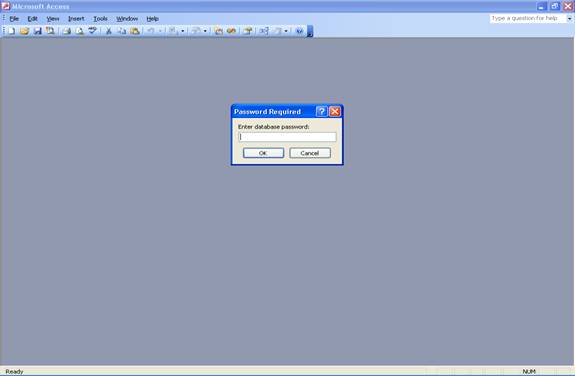
Password into Database:
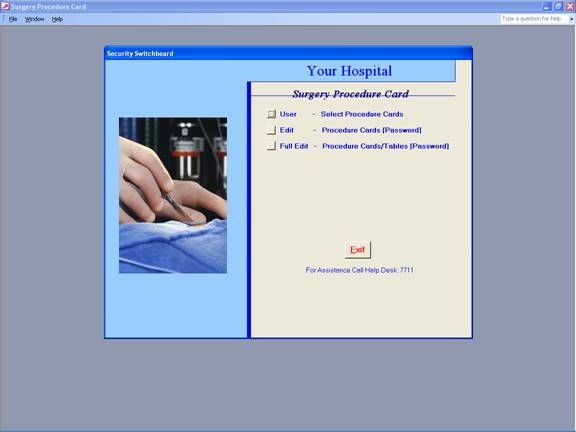
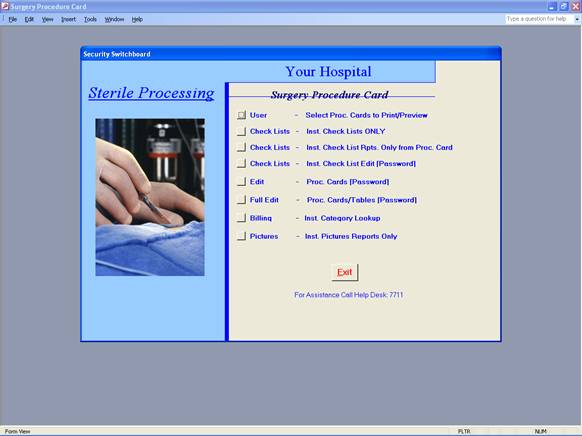
- Security
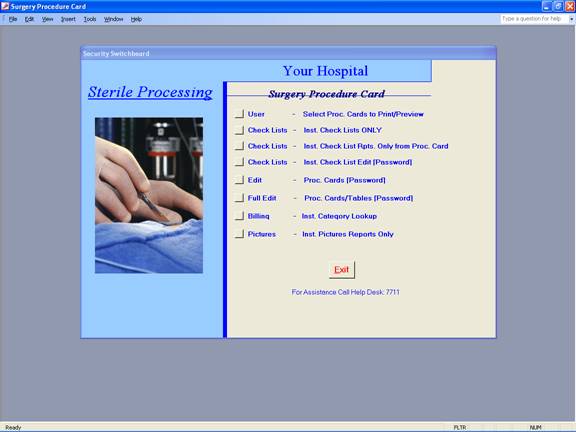
Switchboard:
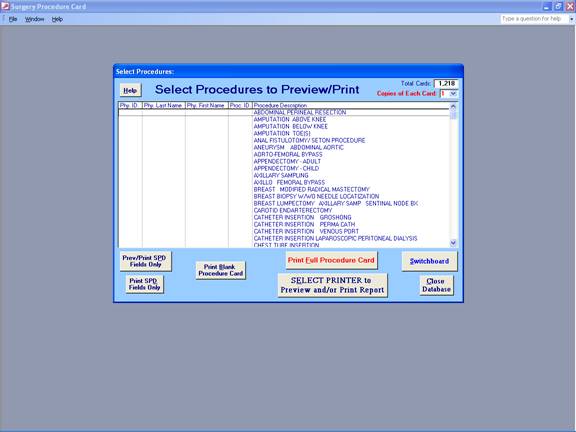
- User Access
(Can only Select and Print Procedure Cards):
- Edit Security
Login (Cannot Edit/Add/Delete Tables, only Procedure Cards):
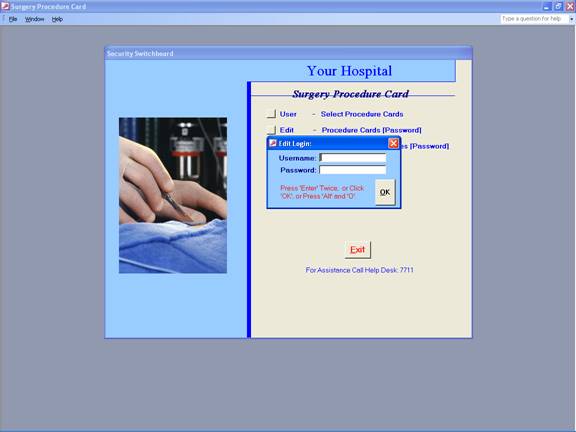
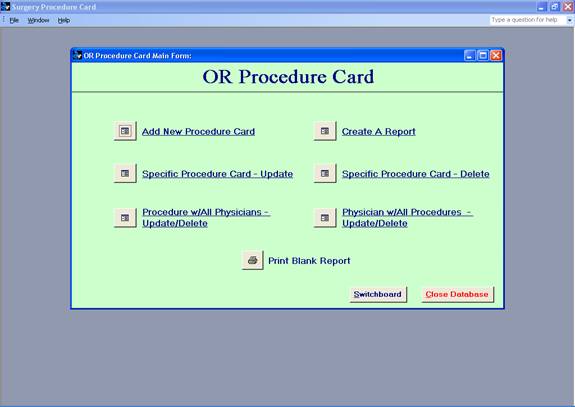
- Edit Form:
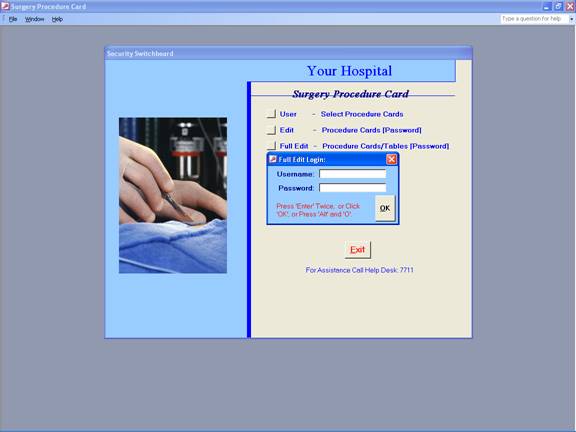
- Full Edit
Security Login:
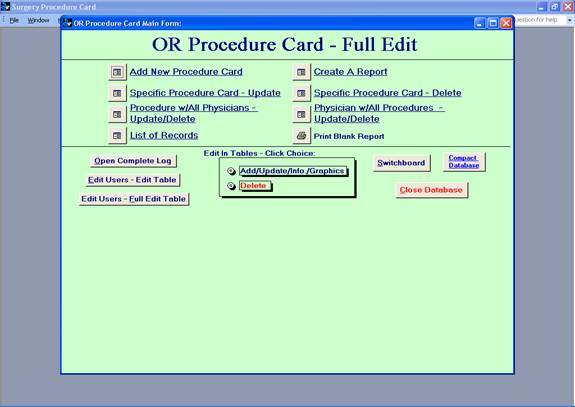
- Full Edit Main
Form:
7-1.
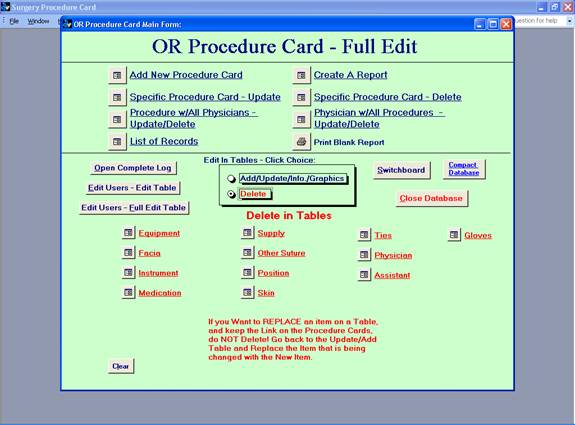
Full Edit Delete in Tables View:
7-2.
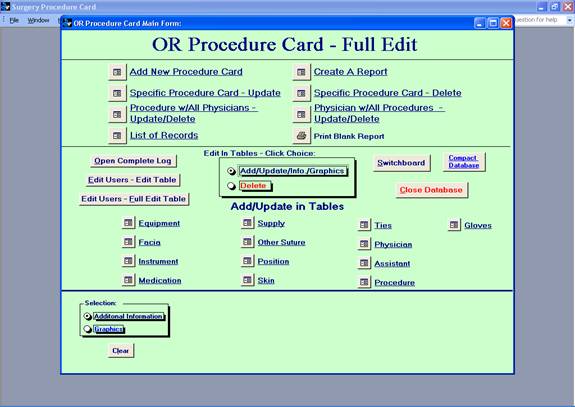
Full Edit Add/Update in Tables View:
7-3.
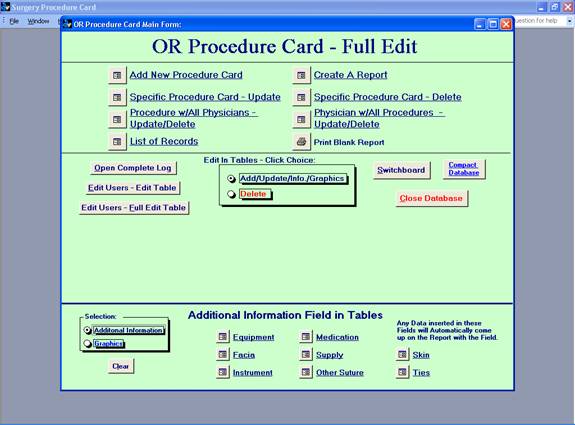
Full Edit Additional Information View:
7-4.
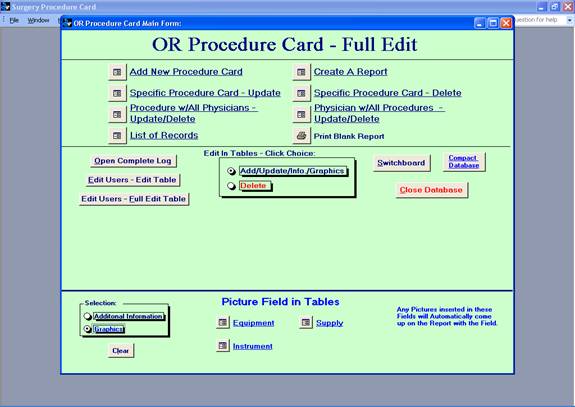
Full Edit Graphics View:
7-5.
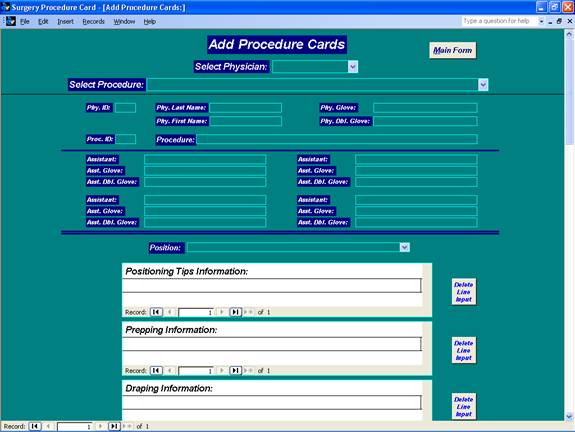
Add New Procedure Card (Top of Full Edit Form):
7-5-1.
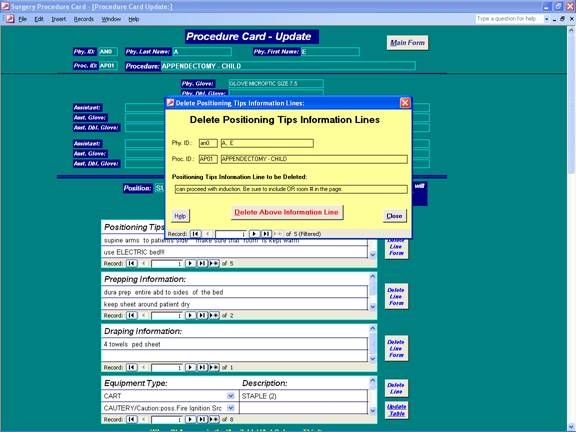
Delete Line Report:
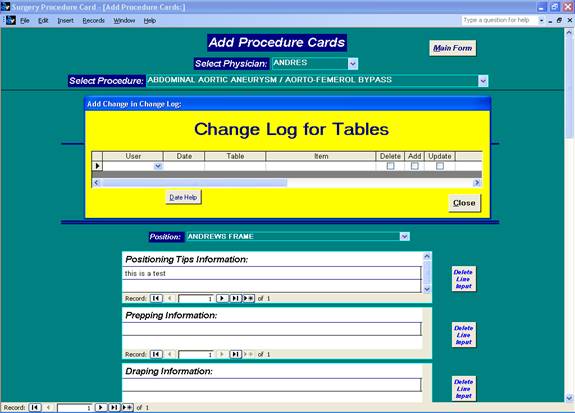
7-5-2. Change Log for Table Changes:
7-6.
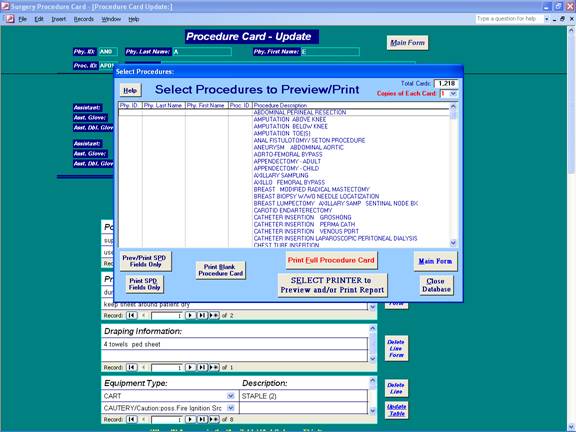
Create A Report (Top of Full Edit Form):
7-6-1.
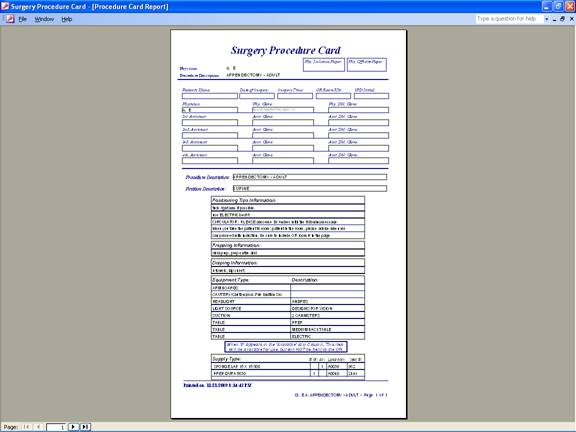
Selected Procedure Card Report:
7-7.
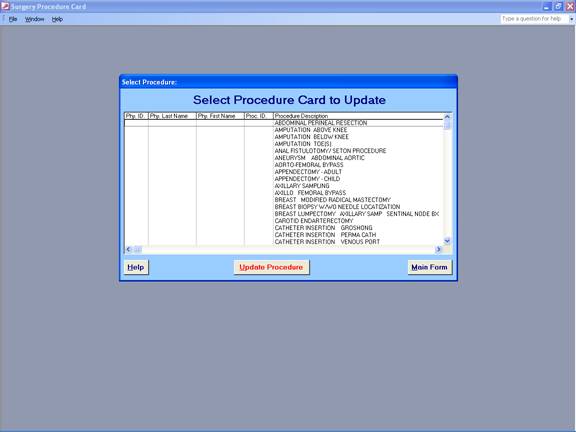
Specific Procedure Card – Update (Top of Full Edit Form):
7-7-1.
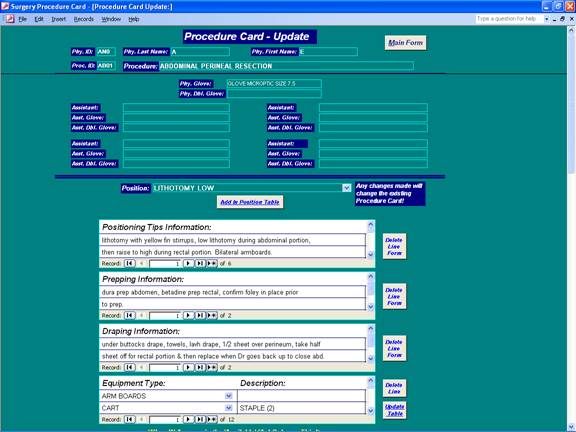
Specific Procedure Card Update Form:
7-8.
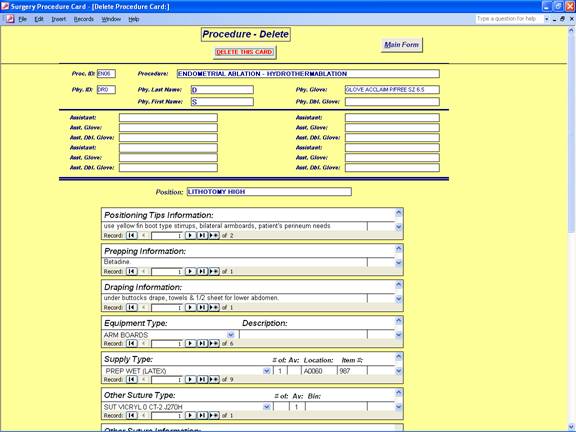
Specific Procedure Card – Delete (Top of Full Edit Form):
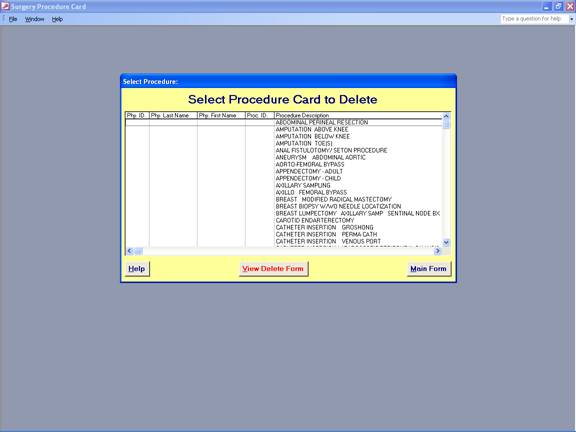
7-8-1. Specific Procedure Card Delete Form:
7-9.
Procedure w/All Physicians – Update/Delete (Top of Full Edit Form):
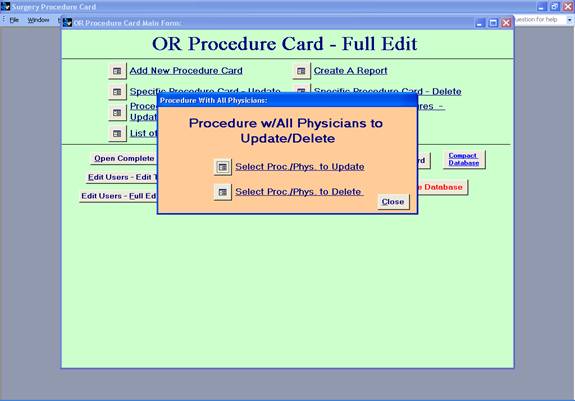
7-9-1.
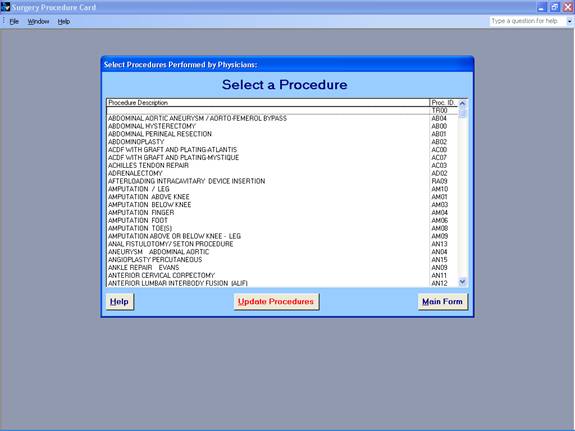
Select Procedure with All Physicians to Update:
7-9-2.
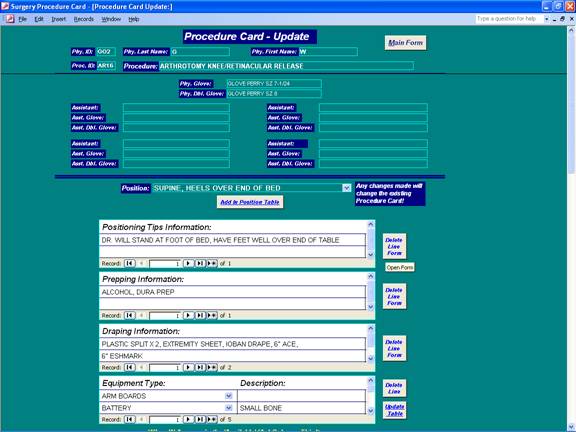
Selected Procedure with All Physicians to Update Form:
7-9-3.
Select Procedure with All Physicians to Delete (Top of Full Edit Form):
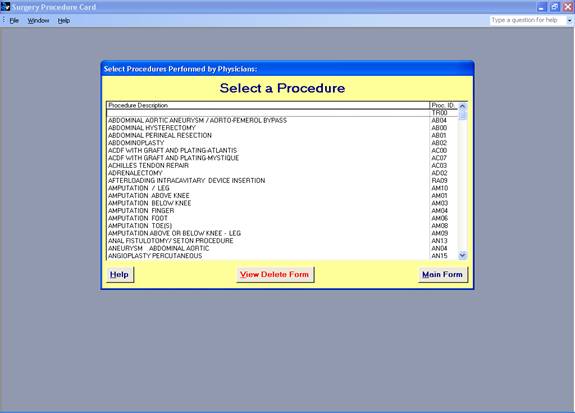
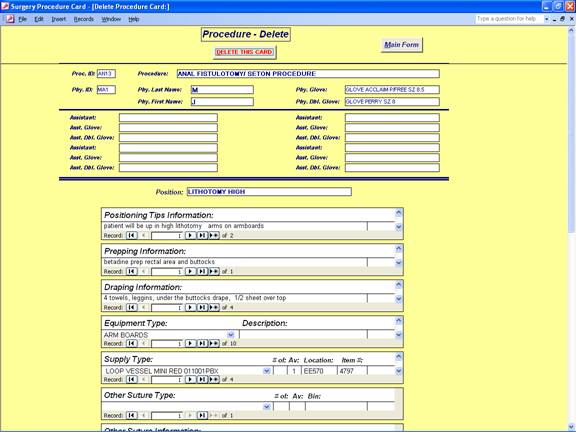
7-9-4.
Selected Procedure with All Physicians to Delete Form:
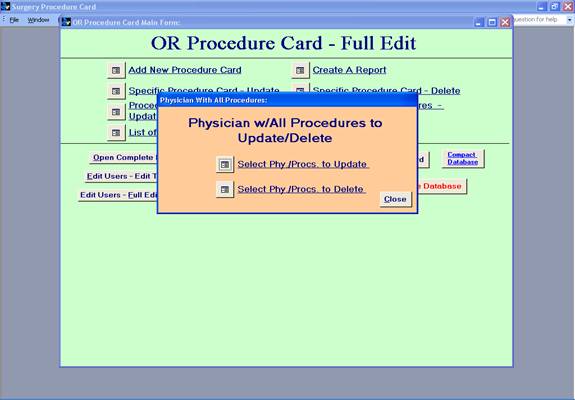
7-10.
Physician w/All Procedures to Update/Delete (Top of Full Edit Form):
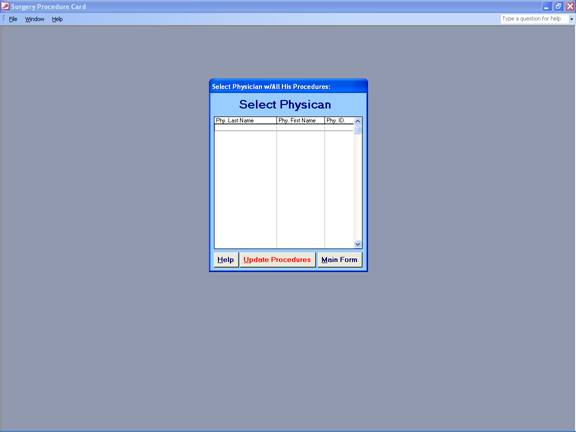
7-10-1.
Select Physician with All Procedures to Update:
7-10-2.
Selected Physician with All Procedures to Update Form:
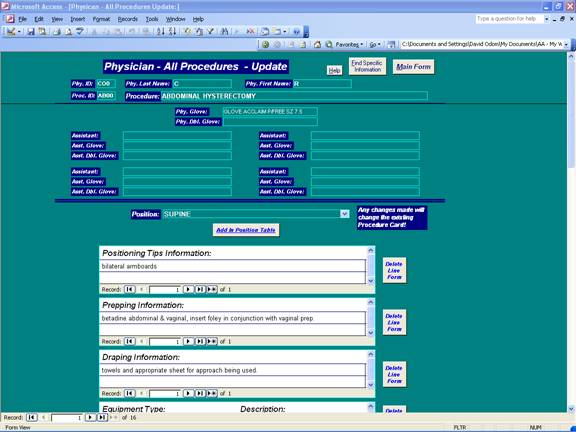
7-10-3.
Select Physician with All Procedures to Delete:
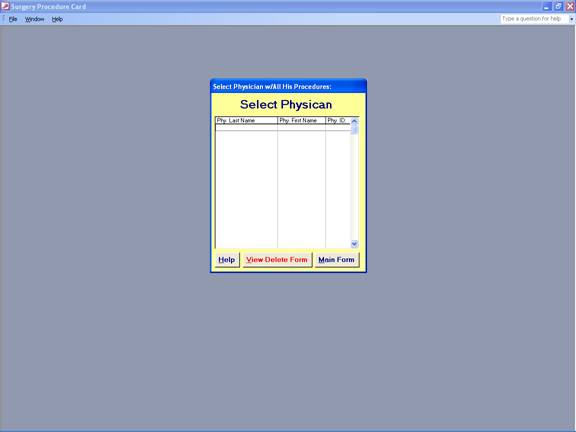
7-10-4. Selected Proc. / Phys. To Delete Form:
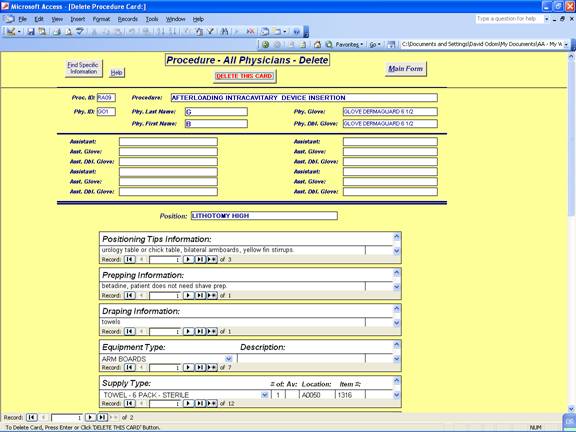
7-11.
List of Records (Top of Full Edit Form):
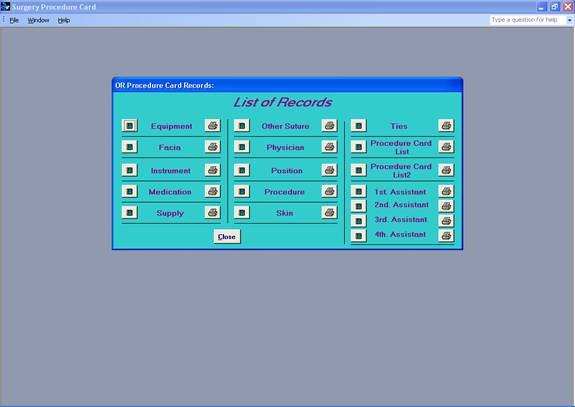
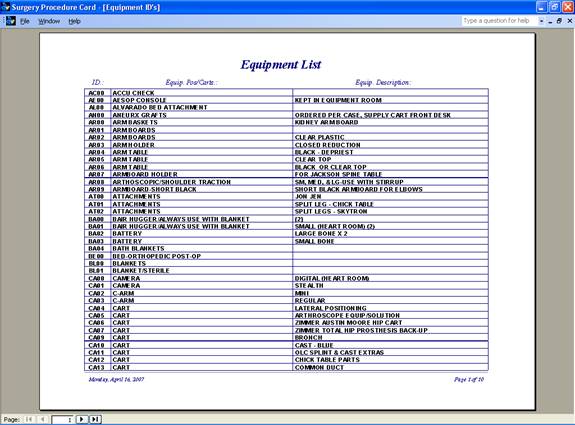
7-11-1. Equipment List (Example):
7-12.
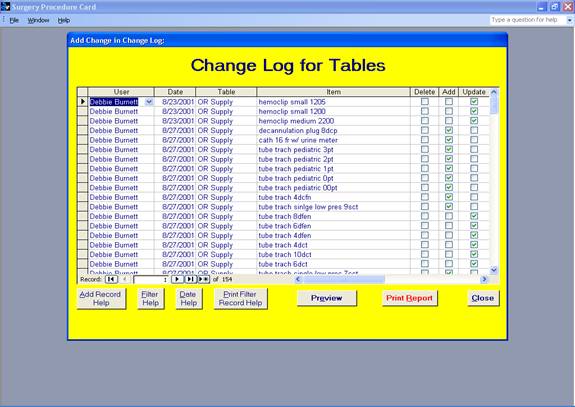
Open Complete Change Log (Middle of Full Edit Form):
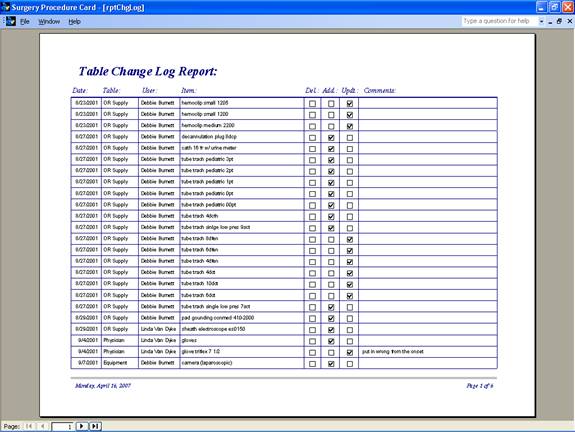
7-12-1. Preview Selected User Report:
7-13.
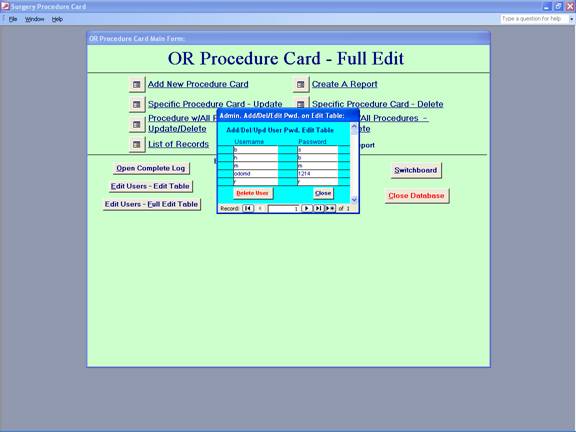
Edit Users – Edit Table (Middle of Full Edit Form):
7-14.
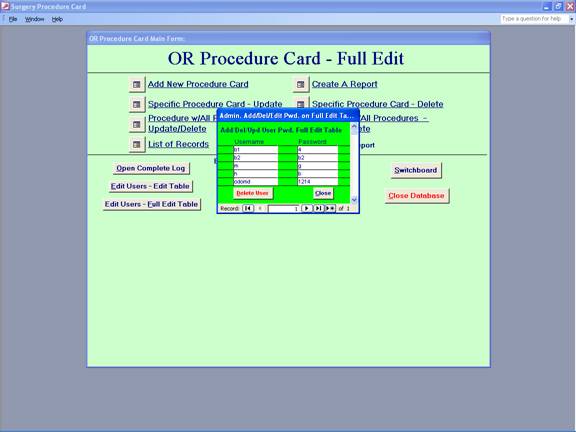
Edit Users –
Full Edit Table (Middle of Full Edit Form):
7-15.
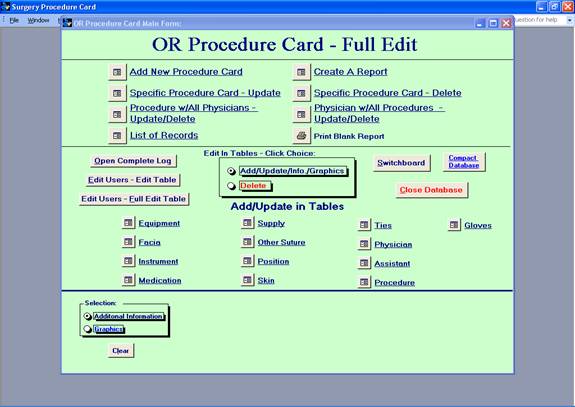
Add/Update In Tables (Middle of Full Edit Form):
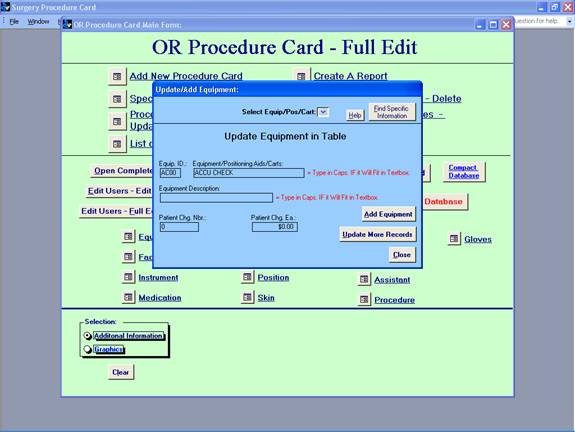
7-15-1. Selected Equipment Add/Update (Example):
7-16.
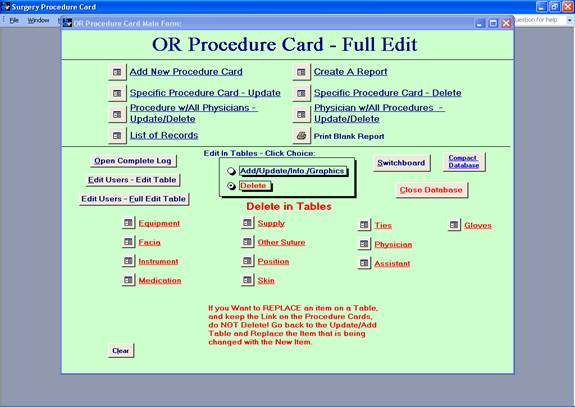
Delete in
Tables (Middle of Full Edit Form):
7-16-1.
Selected Equipment Delete in Table (Example):
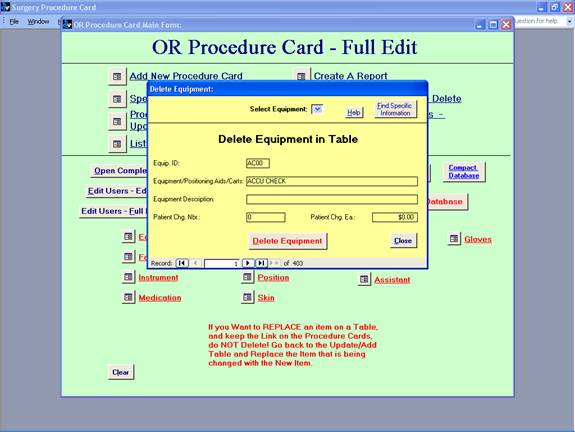
7-17.
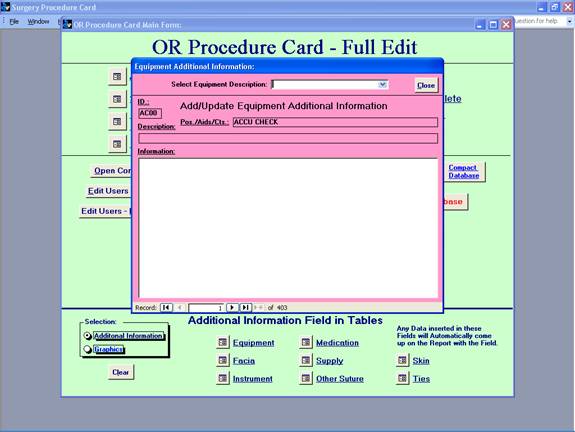
Additional
Information Field in Tables (Bottom of Full Edit Form):
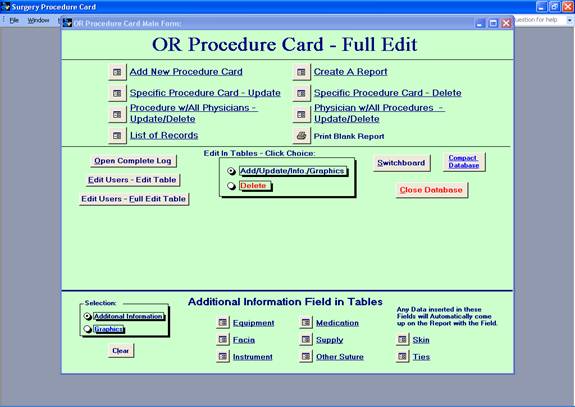
7-17-1. Selected Additional Info. Field in Tables:
7-18.
Graphics –
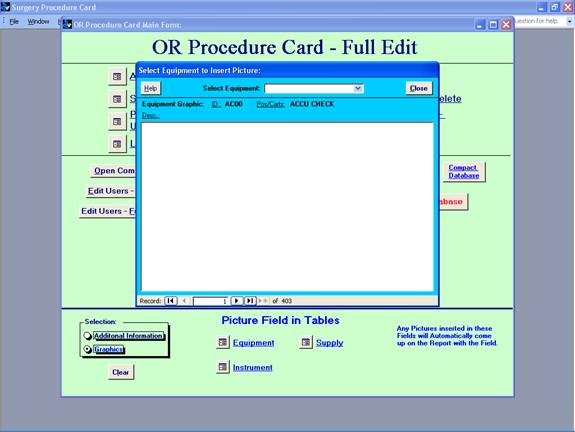
Picture Field in Tables (Bottom of Full Edit Form):
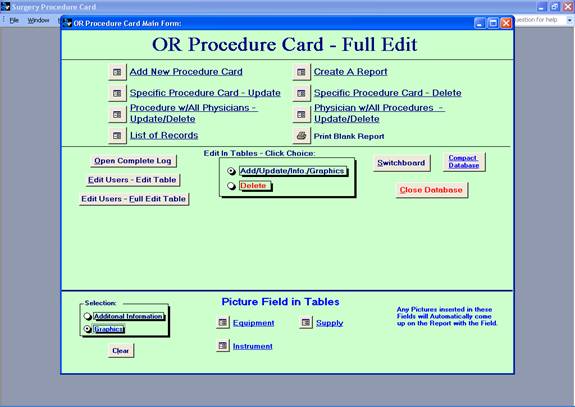
7-18-1.
Selected
Graphic Field in Tables:
End of OR Procedure Card Database

Beginning of Sterile Processing Card
Database
1.
Sterile Processing (SPD) Check Lists – Full Edit [Password] w/Pictures:
 :
:
2.
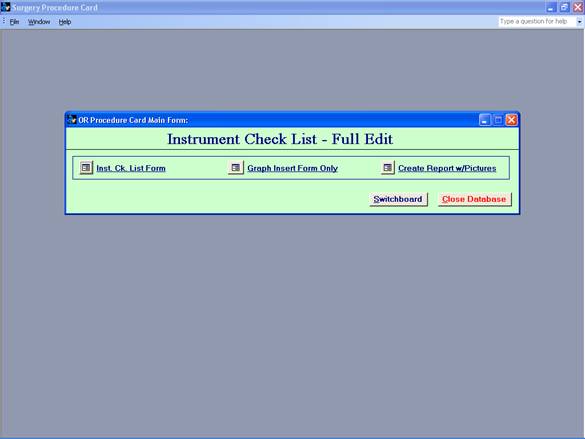
Instrument Check List Full Edit
2-1.
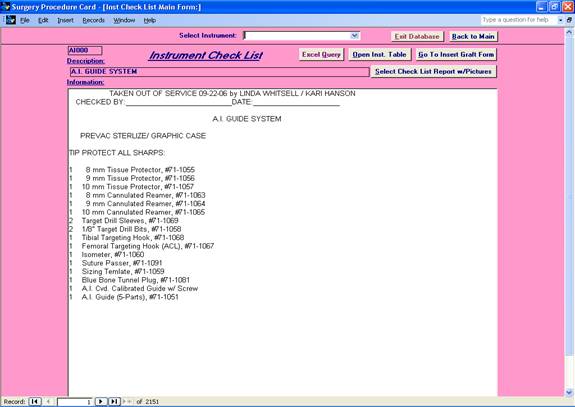
Instrument Check List Main Form (SPD):
2-2.
Excel Query:
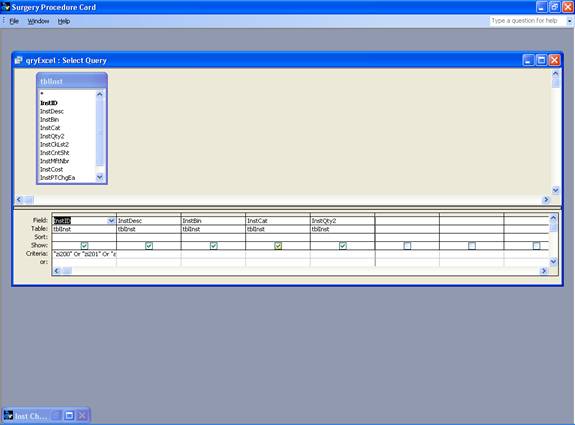
2-3.
Instrument
Table:
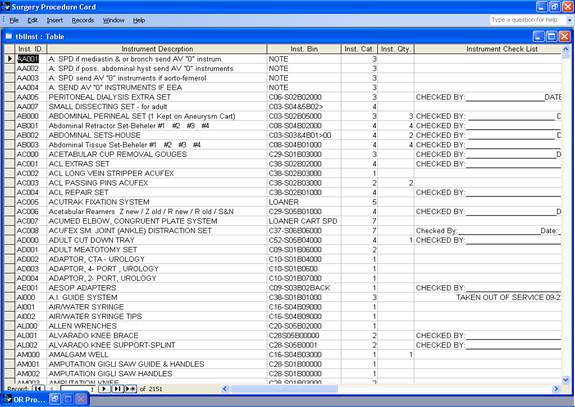
2-4.
Select
Instrument to Insert Picture:
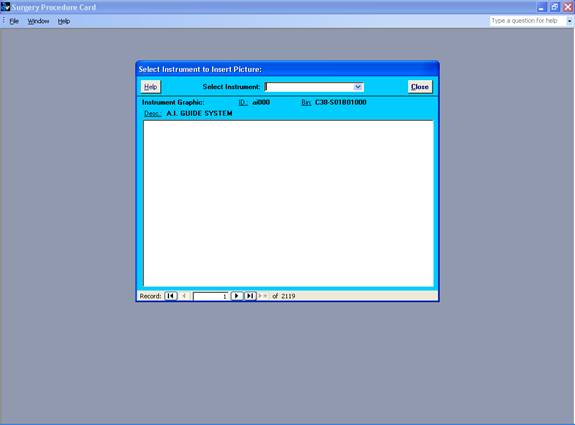
2-5.
Select Check List w/Picture:
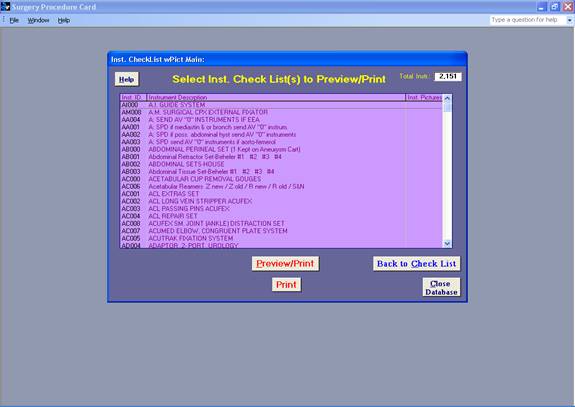
2-6 Select Check List Report w/Pictures:
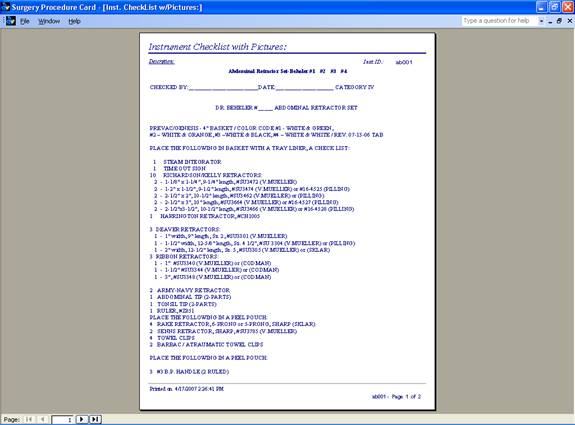
2-7.
Graph Insert
Form Only:
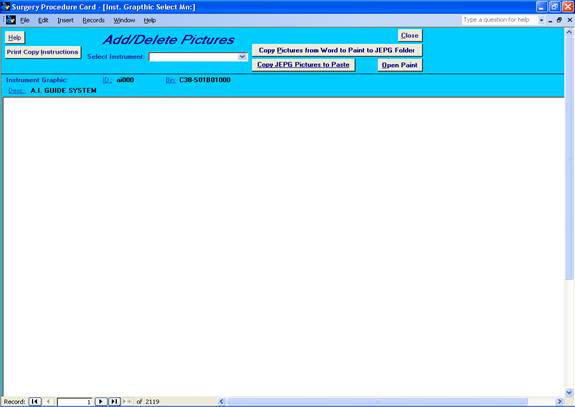
2-8.
Create
Report w/Pictures:
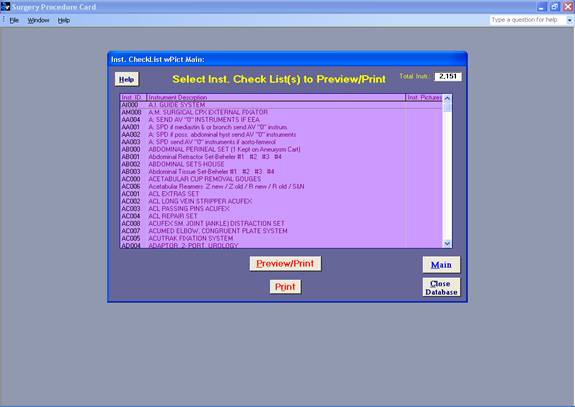
2-8-1.
Instrument Checklist Report w/Pictures:
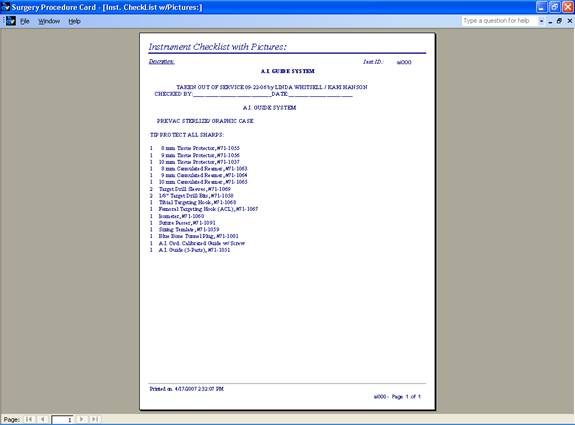
- Billing –
Instrument Category Lookup(SPD):
3-1.
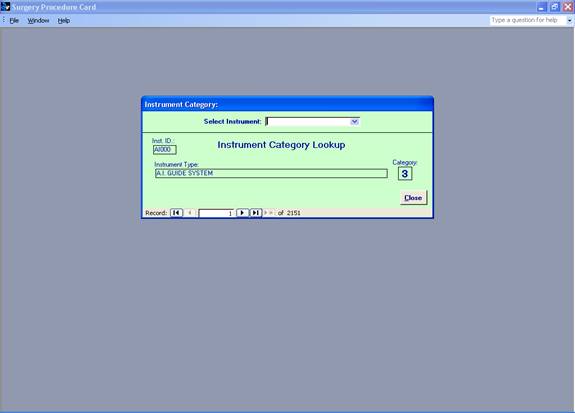
Instrument
Category Lookup Form:
4.
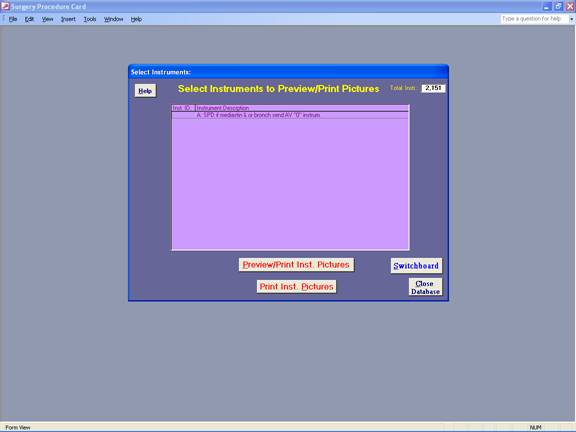
Select Instruments to Preview/Print Pictures:
4-1.
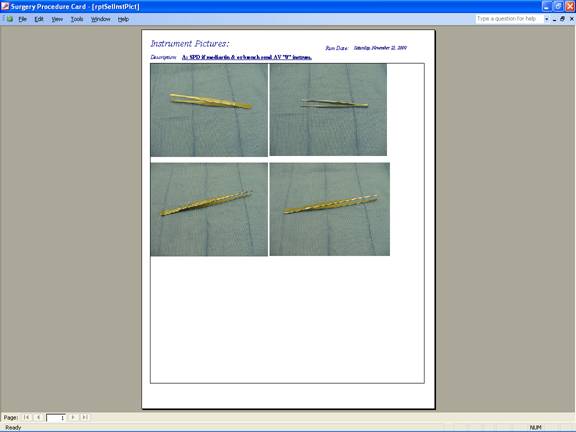
Instrument Pictures: